
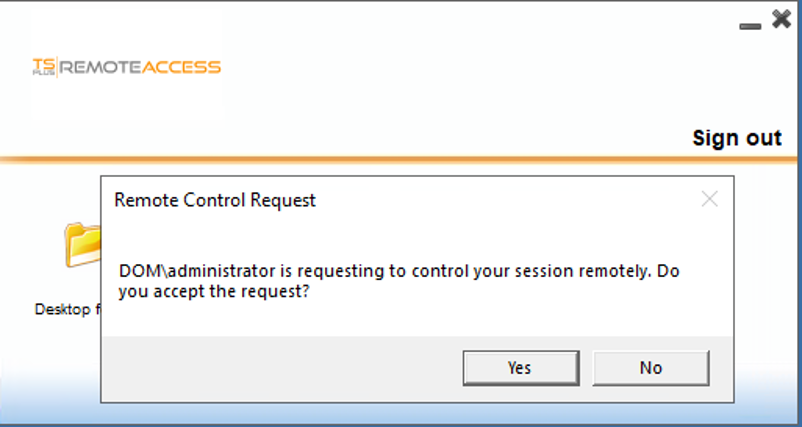
On servers without explicit right to take control of remote sessions without users consent, administrators and users may face the following messages while the admin is attempting to take control :
On the user's side
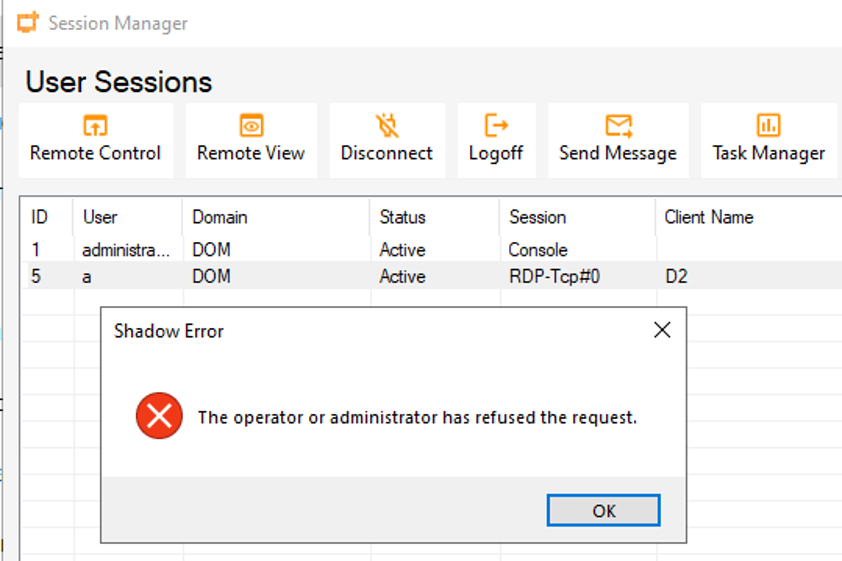
On the administrator side when the user has refused the session from being controlled by the admin :
On the administrator side while trying to take control without users consent :
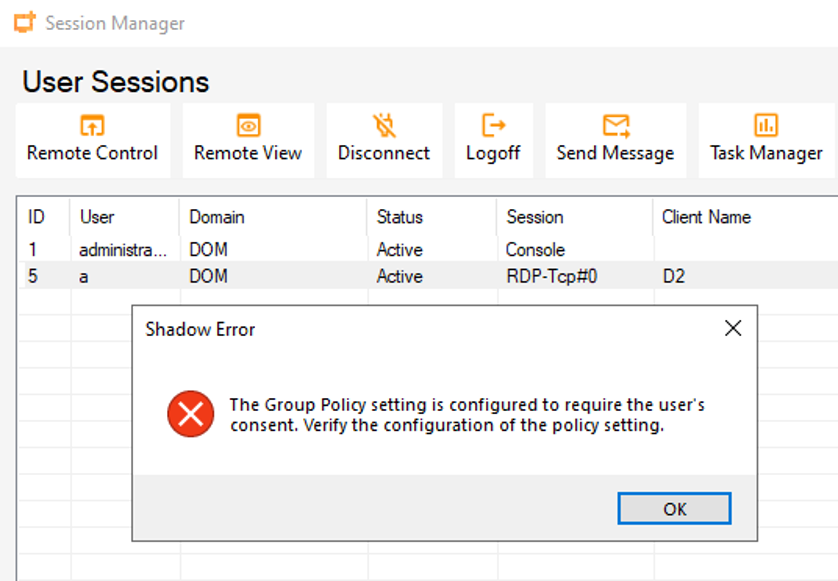
You can use this procedure to allow administrators to take control without users consent :
- Set the group policy to allow Remote Control without user consent.
Computer Configuration\Administrative Templates\Windows Components\Remote Desktop Services\Remote Desktop Session Host\Connections.


- Then you can use the following batch file to shadow or remote control a session (replace %SESSIONID% by the ID of the session you want to take control of :
mstsc.exe /shadow:%sessionID% /control /noConsentPrompt /noConsentPrompt
Or use either the AdminTool\Session Manager or Windows Task Manager to shadow / take control of the user's session