Problem : you cannot connect using a connection client or plugin.
The user tries to connect with his web browser in RemoteApp
The user tries to connect with a TSplus connection client
and they get the following error message in a pop up:

Solution : install the client pre requisite
1
On server side go to :
C:\Program Files (x86)\TSplus\Clients\www\ConnectionClient
Then retrieve this file and copy it on the user's workstation :
Setup-ConnectionClient.exe
Then install it on the user's workstation, for "all users".
Then try again.
If it still doesn't work, install it again for "only for my user".
2
If it still doesn't work, on server side go to :
C:\Program Files (x86)\TSplus\Clients\www\RemoteAppClient
Then retrieve this file and copy it on the user's workstation :
Setup-RemoteAppClient.exe
Then install it on the user's workstation, for "all users".
Then try again.
If it still doesn't work, install it again for "only for my user".
3
You can also directly download the client setup from here : https://secure-download-file.com/data/Setup-ConnectionClient.exe
Uninstall
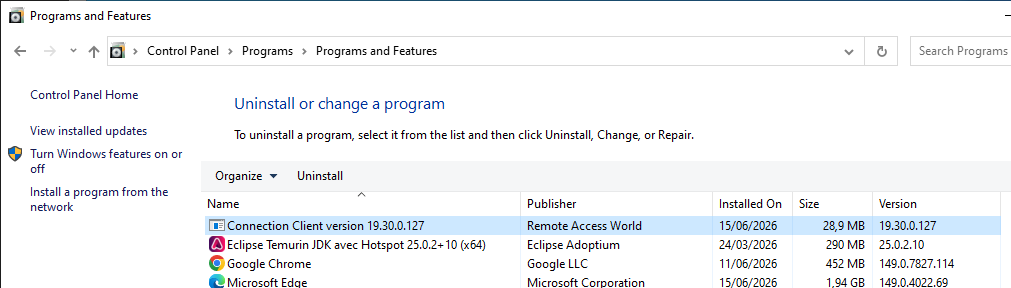
You can UN-install the ConnectionClient plugin from the Windows Control Panel:
Control Panel\Programs\Programs and Features